The mastering limiter that lands on your target.
Press Learn, play your song once, and Liminal sets the threshold that hits your loudness or density at your ceiling, checks the peaks through real Opus and Vorbis encoders, and hands you a report for MasterScope. Free, with no ads and no paywalls.
Or get the MasterScope Full Suite: Liminal, MasterScope Meter and every MasterScope tool in one installer (4.8 MB).
By downloading you agree to the Liminal licence: free for any music, including commercial releases. Liminal isn't code-signed yet, so Windows may say Windows protected your PC: click More info, then Run anyway. On a Mac, if macOS says it can't check the installer, open System Settings → Privacy & Security and click Open Anyway.
SHA-256 Windows b722ba9a1e5fc1fbea64a1de97b5c8879c50ae10ba455bee68d48b7fc8831645
SHA-256 Mac 6f965b3697bde35fb78735341b20c4455c8fe68f4370c09cb28bd2a8fbba36cb
SHA-256 Full Suite 87e4b35f0046678dff0dc1d83a5d9006d097bac93032da8ce245259ef87e0869
Read the user guide →What’s new in 1.1.0Feedback
Works in any DAW that loads VST3 (and AU on Mac): Ableton Live, FL Studio, Cubase, Reaper, Studio One, Bitwig, Logic and more.
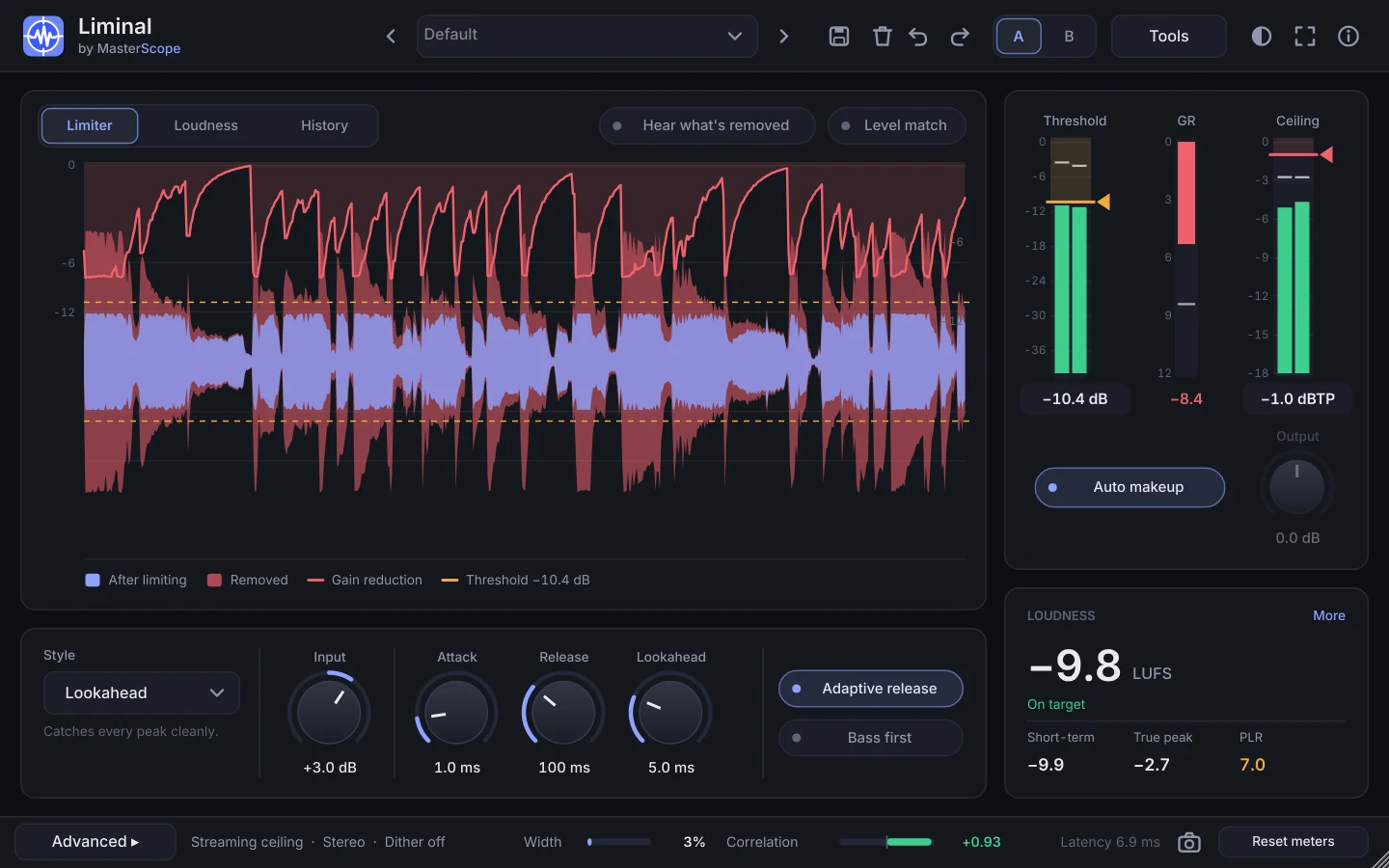
At a glance
- Formats
- VST3 on Windows · VST3 and AU on Mac
- Systems
- Windows 10 and 11, 64-bit · macOS 10.13 or later, Apple silicon and Intel
- Works in
- Any DAW that loads VST3 or AU: Ableton Live, FL Studio, Cubase, Reaper, Studio One, Bitwig, Logic and more
- Version
- 1.1.0 · released 4 November 2026
- Download
- Windows 4.2 MB · Mac 14 MB
- Looks
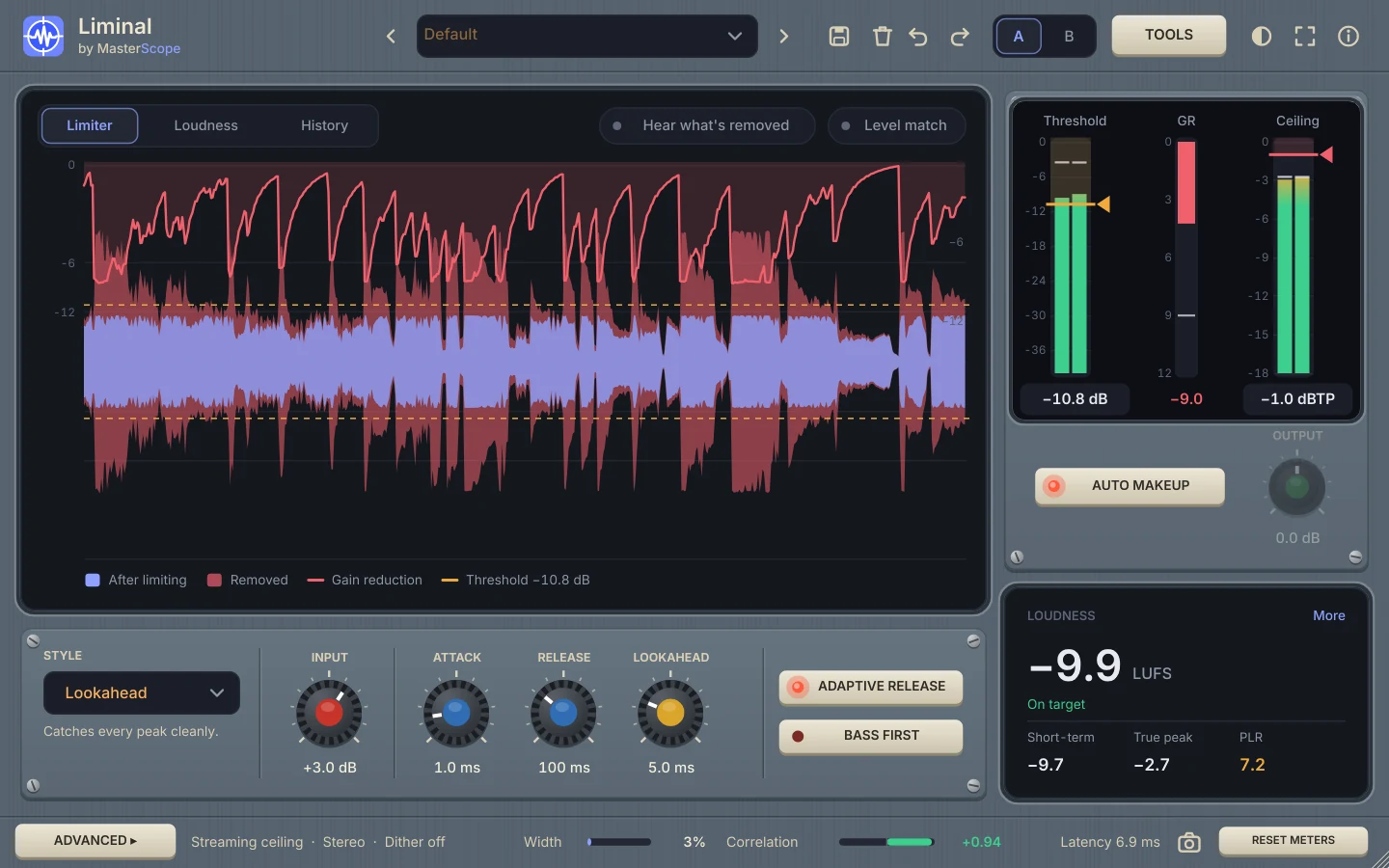
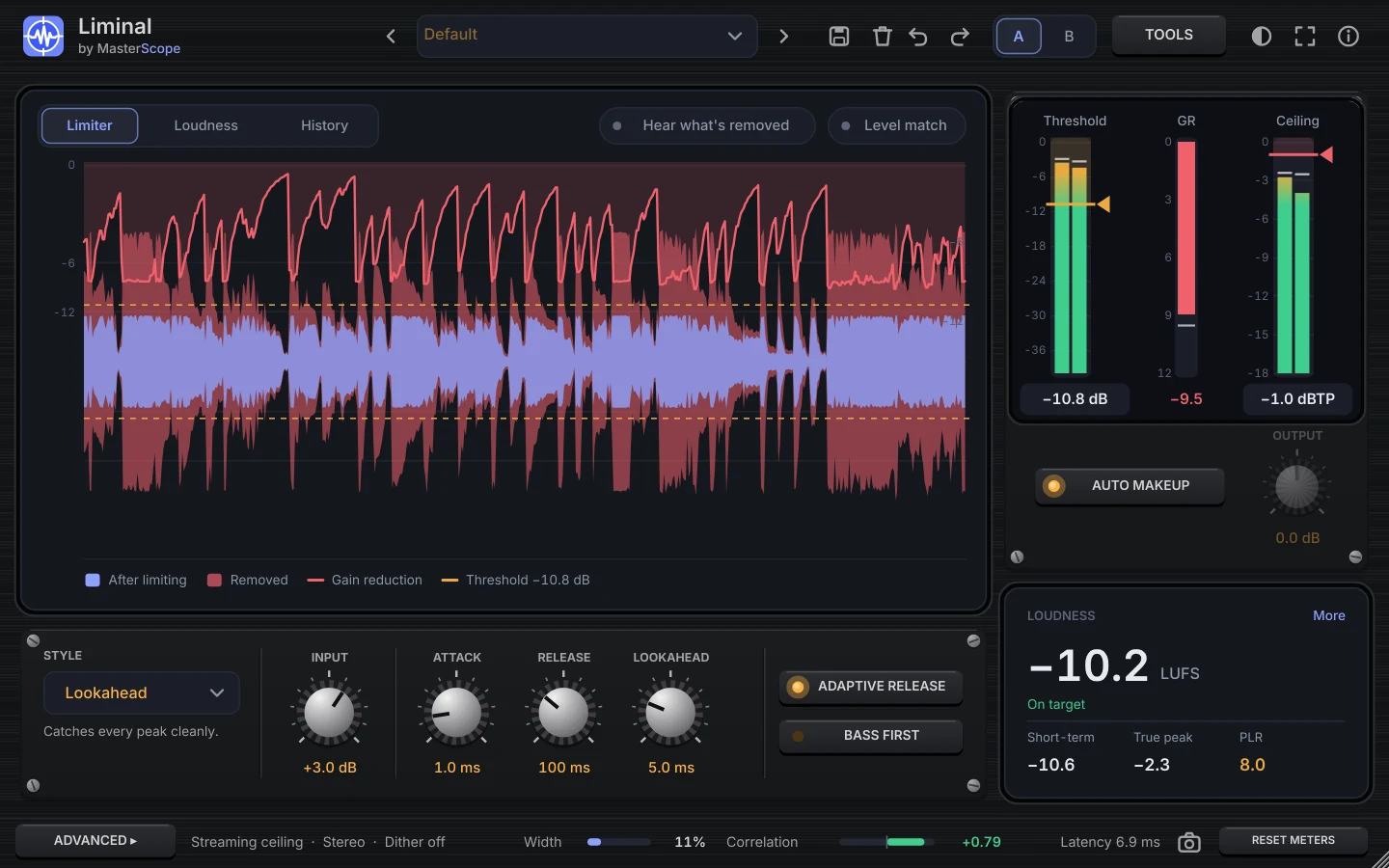
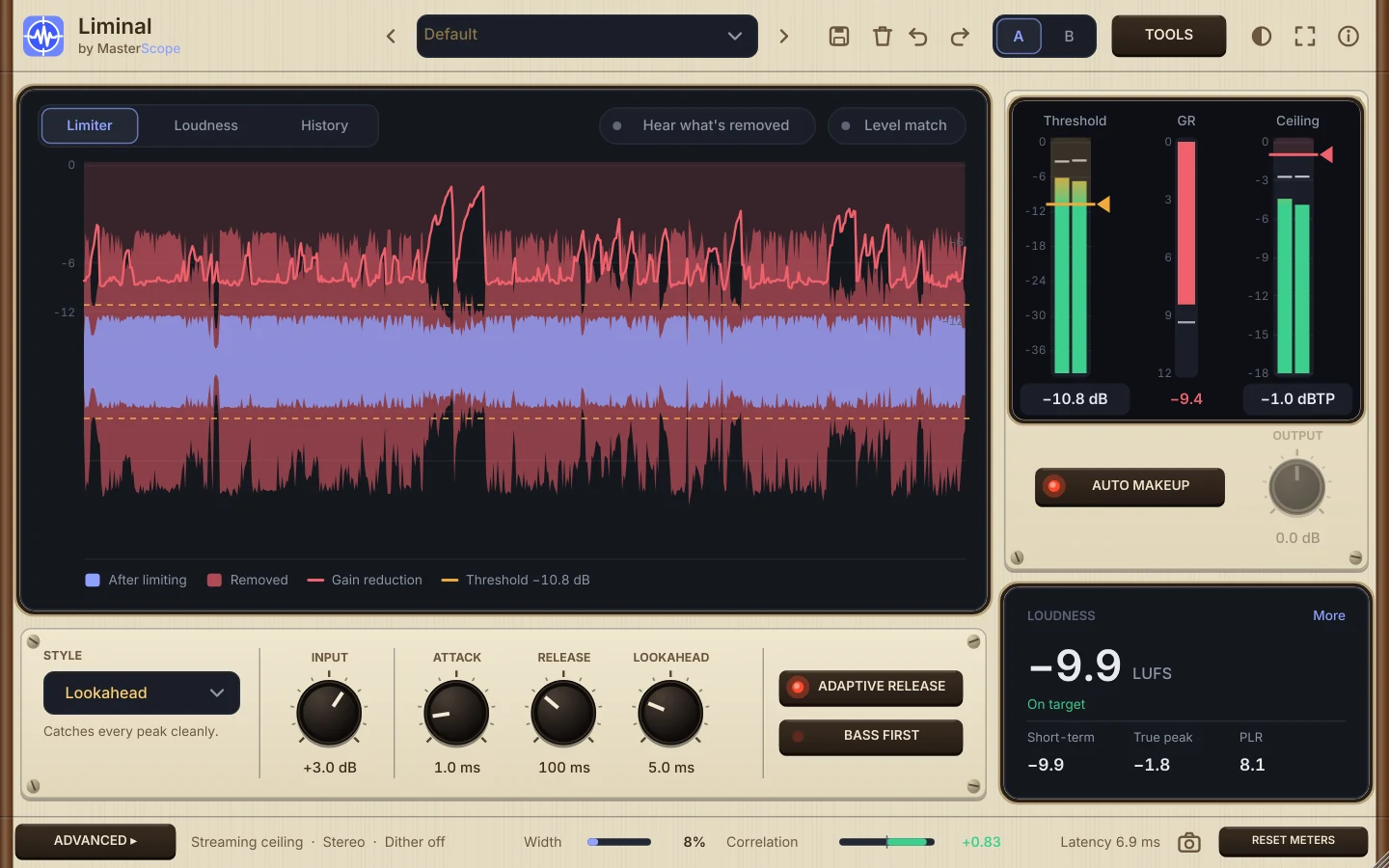
- Dark, Light, and three hardware skins: Console, Rack and Vintage
- Price
- Free for any music, including commercial releases. No ads, no account
- Help
- User guide · What’s new · Mastering workflow
Features
Everything Liminal does, from setting the level by hand to the helpers under Tools.
Simple by hand
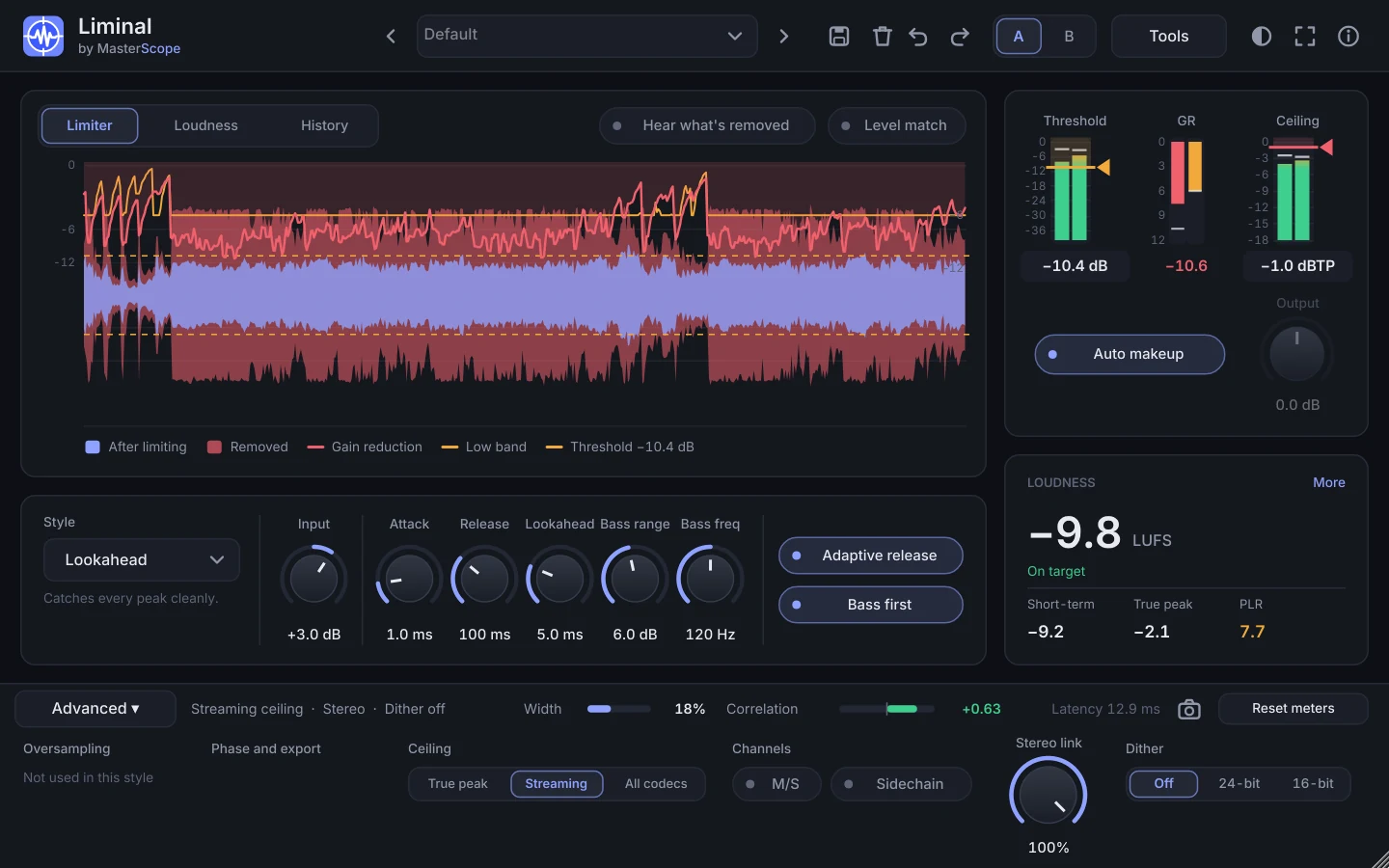
Choose a style, pull the threshold down until it sounds right, and the ceiling keeps the peaks safe. The settings you set once and leave live under Advanced; the helpers live under Tools.
Learn, in one listen
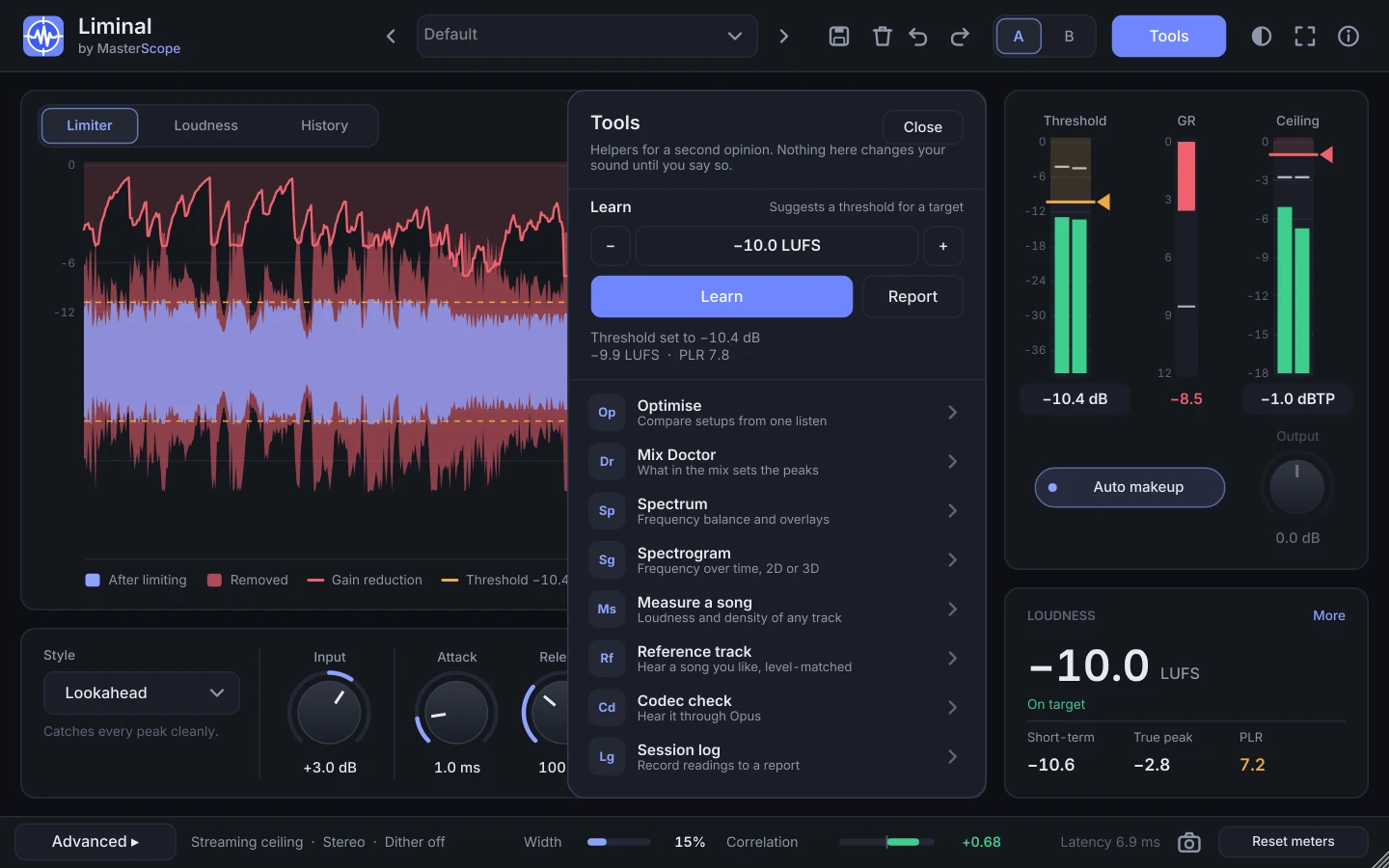
A second opinion: pick a loudness or a density (PLR), press Learn and play the song. Liminal renders what it heard through hidden copies of itself and suggests the threshold that lands on the target. Undo puts it back.
Safe after encoding
The Streaming ceiling keeps the peaks a listener gets after Opus and Vorbis under your ceiling, measured on your song with the real encoders. All codecs adds a margin for MP3 and AAC.
Optimise
Tries about 30 setups at your target, all equally loud, and ranks them by punch. Apply the best and Liminal re-learns it on the whole song.
Punch Guard
A limiter into a clipper: the tips of the drum hits go to the clipper, so the mix isn't turned down around every hit. More snap at the same loudness.
Mix Doctor
Shows which part of the mix makes the peaks the limiter fights, how much a little peak control there would save, and what to do about it.
See everything
A rebuilt 8192-point spectrum (flat for pink noise, average, peak hold, input and reference overlays, note readout) and a 2D and 3D spectrogram with a Delta view of what limiting removes.
Hear what matters
Level match plays your mix at the output's loudness. Hear what's removed plays only what the limiter takes. Codec check plays the output through a real Opus encoder. Reference track plays a song you like at your loudness.
Release pack
Streaming, Club, Apple Music and YouTube masters written straight to disk from one listen, each a 24-bit WAV with its MasterScope report.
Live meters
Loudness (momentary, short-term, integrated), true peak, the peak a listener gets after encoding, PLR, punch, gain reduction, correlation and stereo width, all as you play.
Snapshot
One click copies every setting and the current meter readings as text, ready to paste into a message or a forum post when you want to show exactly how Liminal is set.
Any size, any look
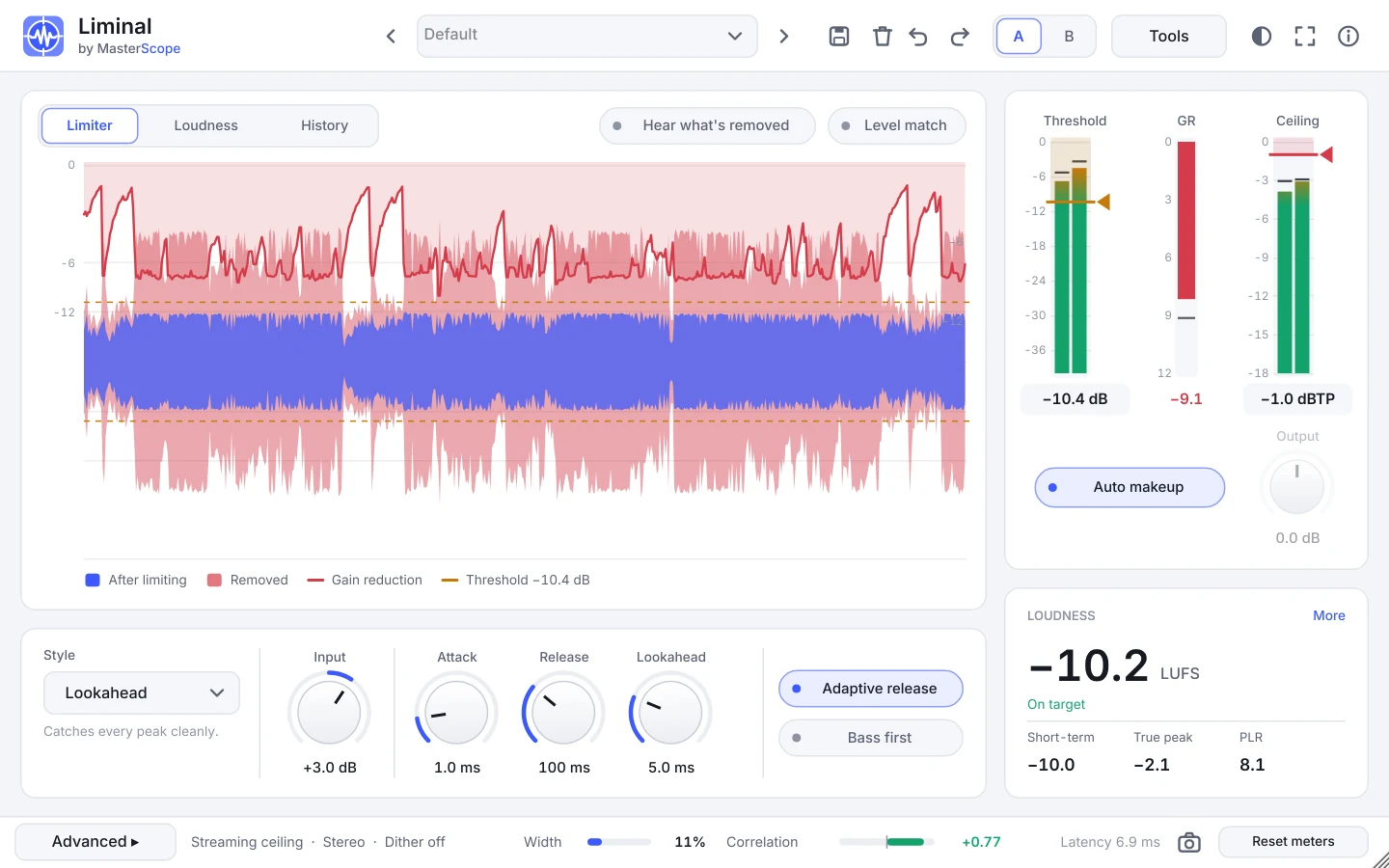
Stretch the window to any shape (extra room goes to the graphs) or press full screen, and pick Dark, Light or a hardware look: Console, Rack or Vintage.
Themes
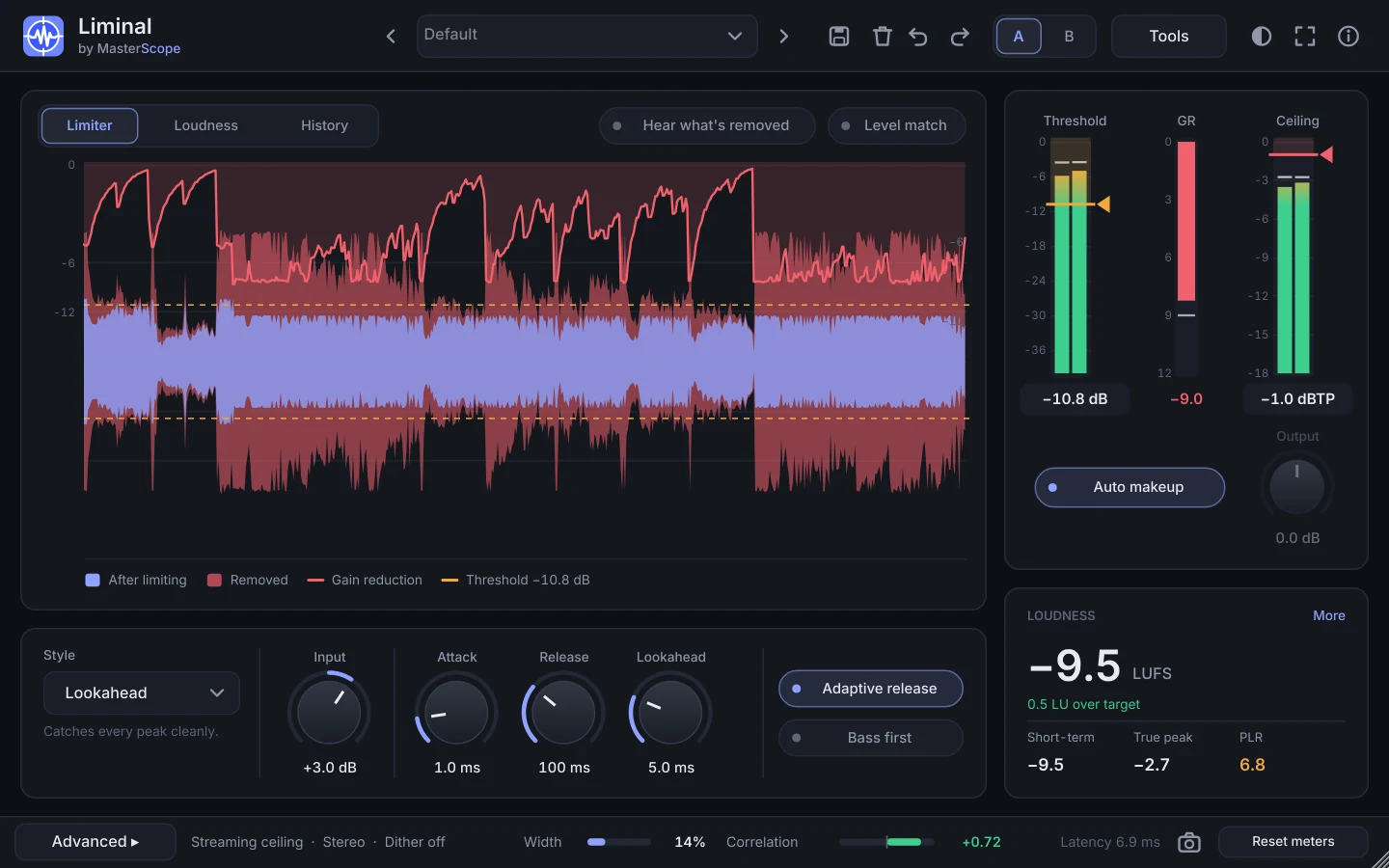
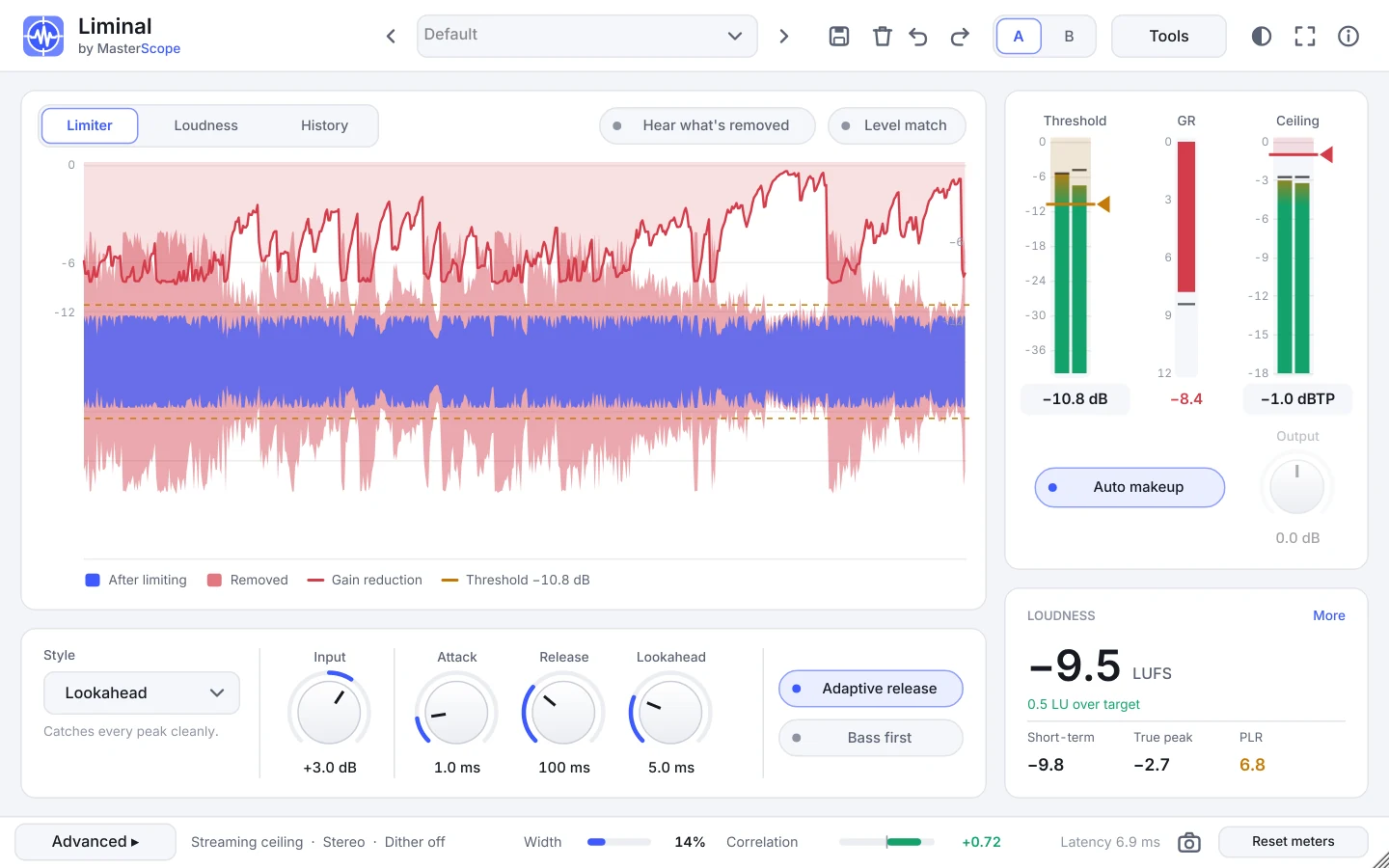
Pick a look from the theme button at the top right. The hardware skins dress Liminal like studio gear, with metal plates, knurled knobs and lit buttons, while the meters and graphs stay on the same clear screens in every theme. Your choice is remembered on that computer.
Works with MasterScope
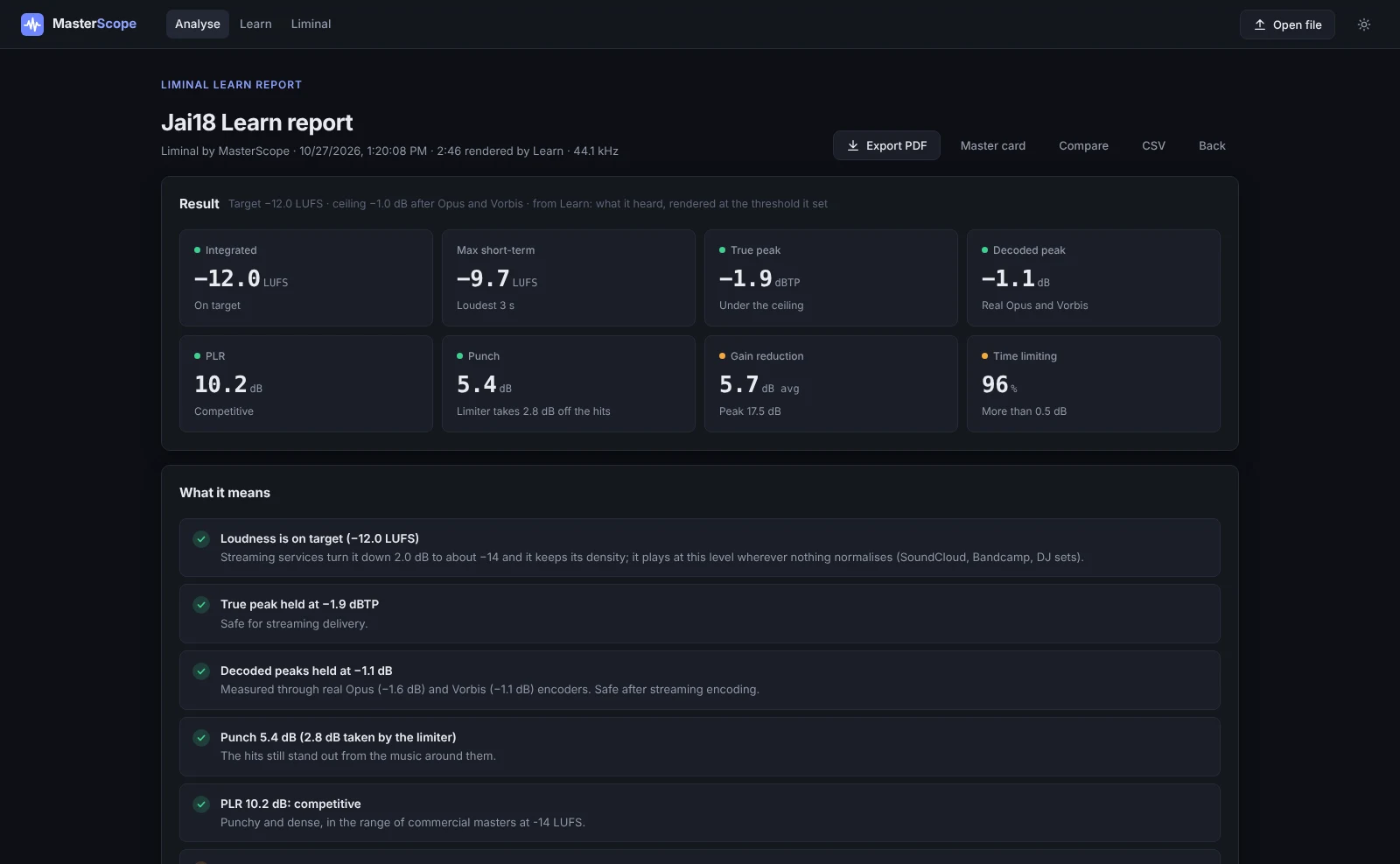
Liminal and MasterScope speak the same language. Learn's report opens in MasterScope with the result, a timeline of loudness and gain reduction, and your settings, and MasterScope's analysis tells you what to fix in the mix before Liminal ever has to work hard. The mastering workflow on the Learn page walks through it step by step.
Gallery
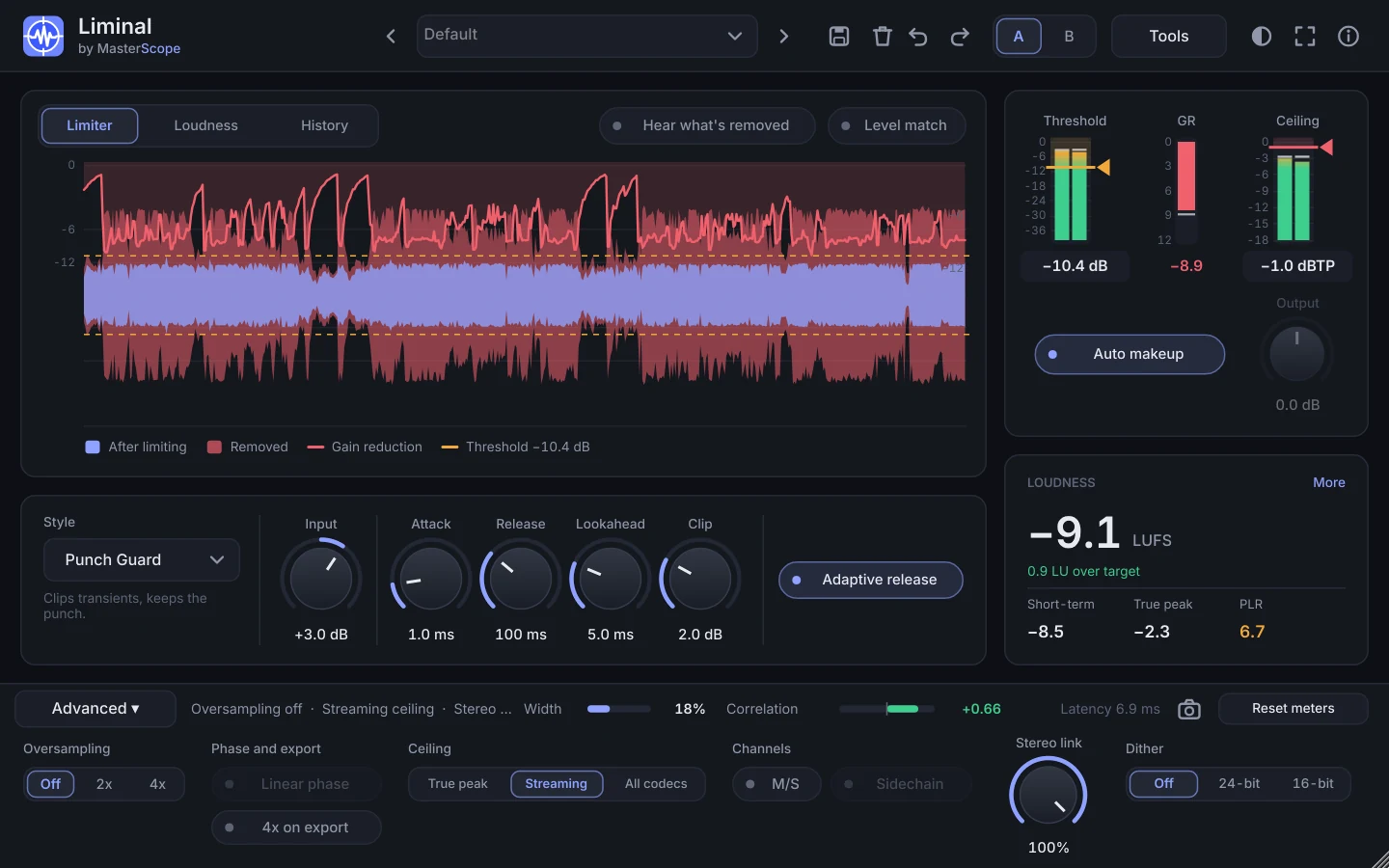
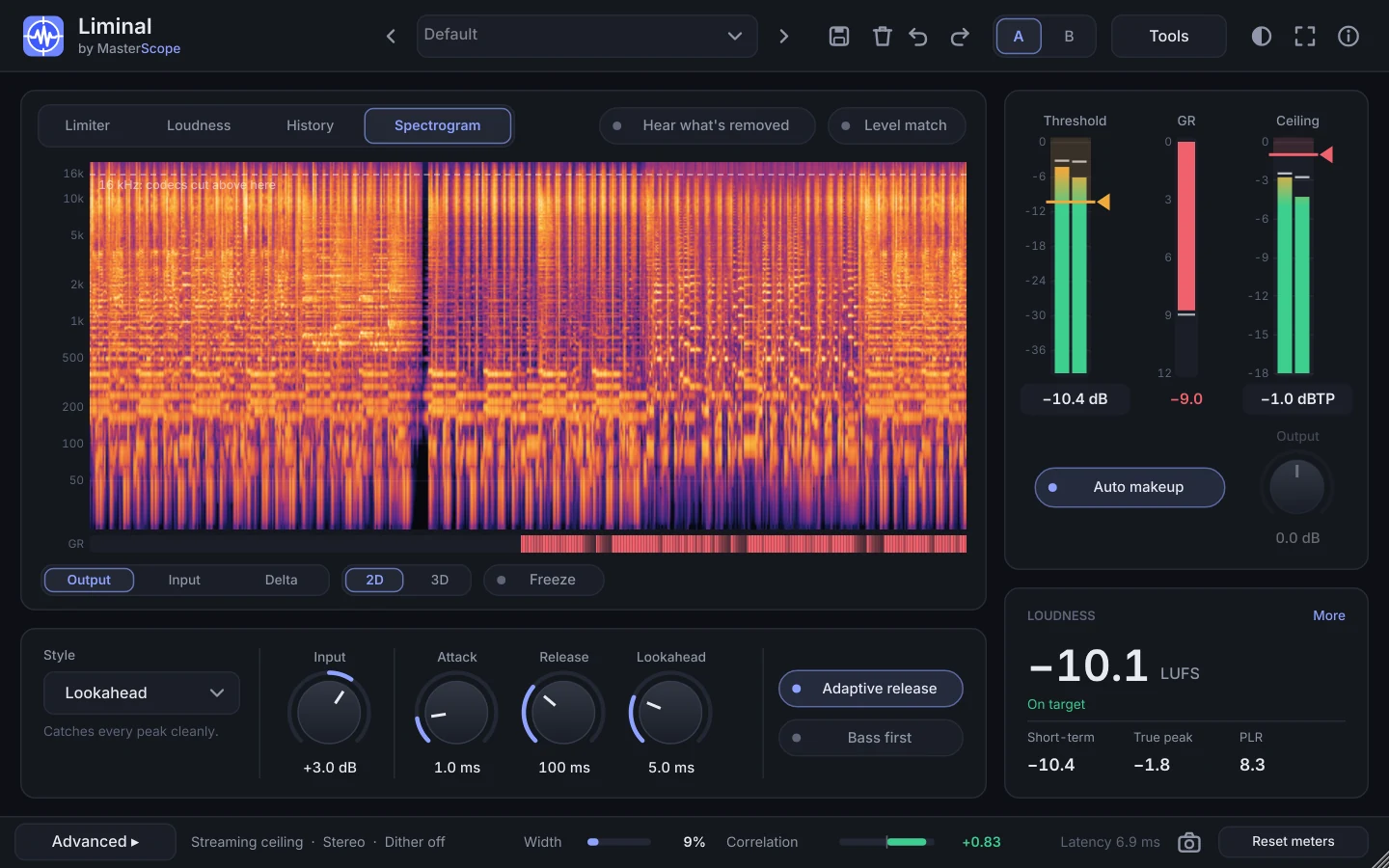
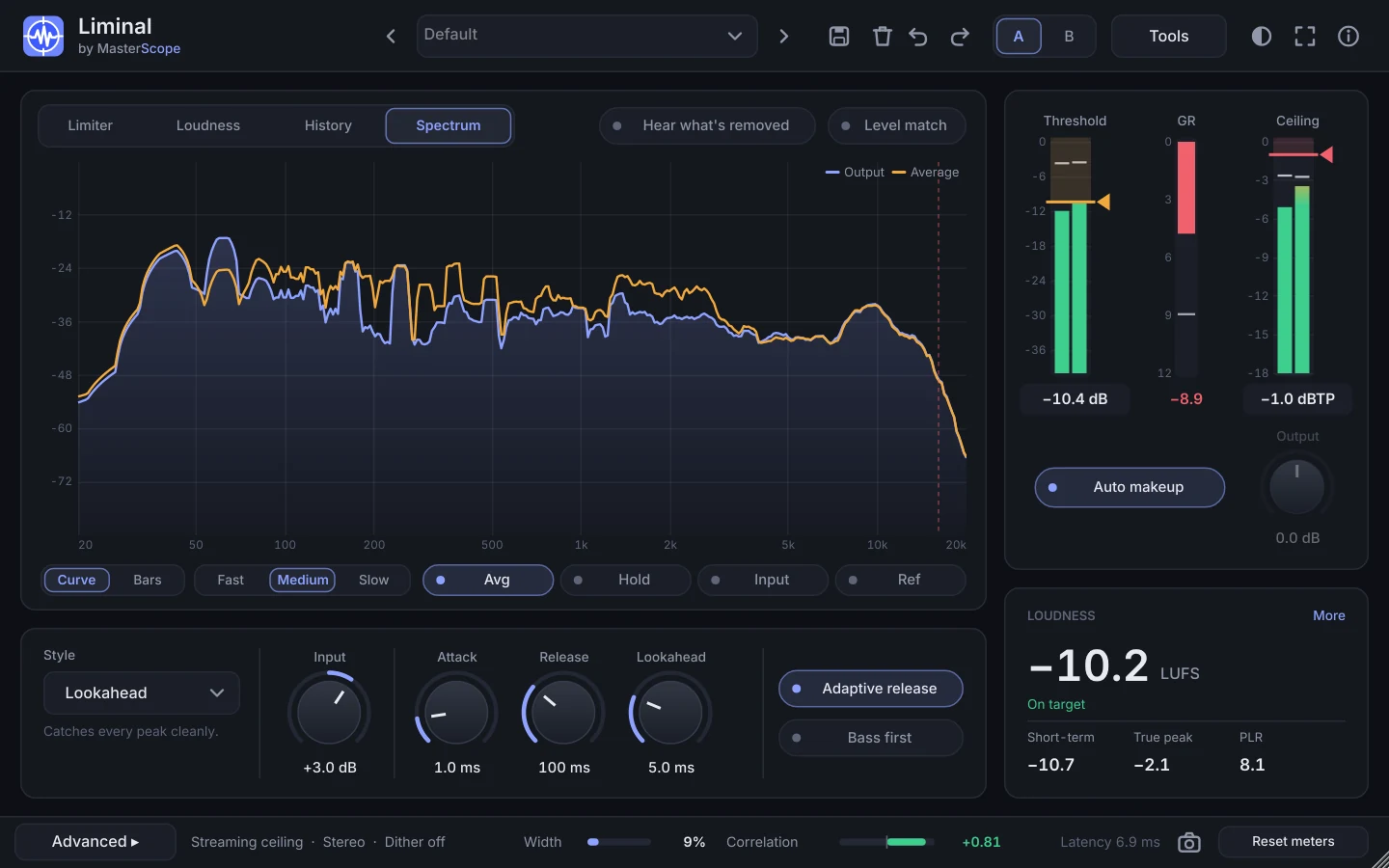
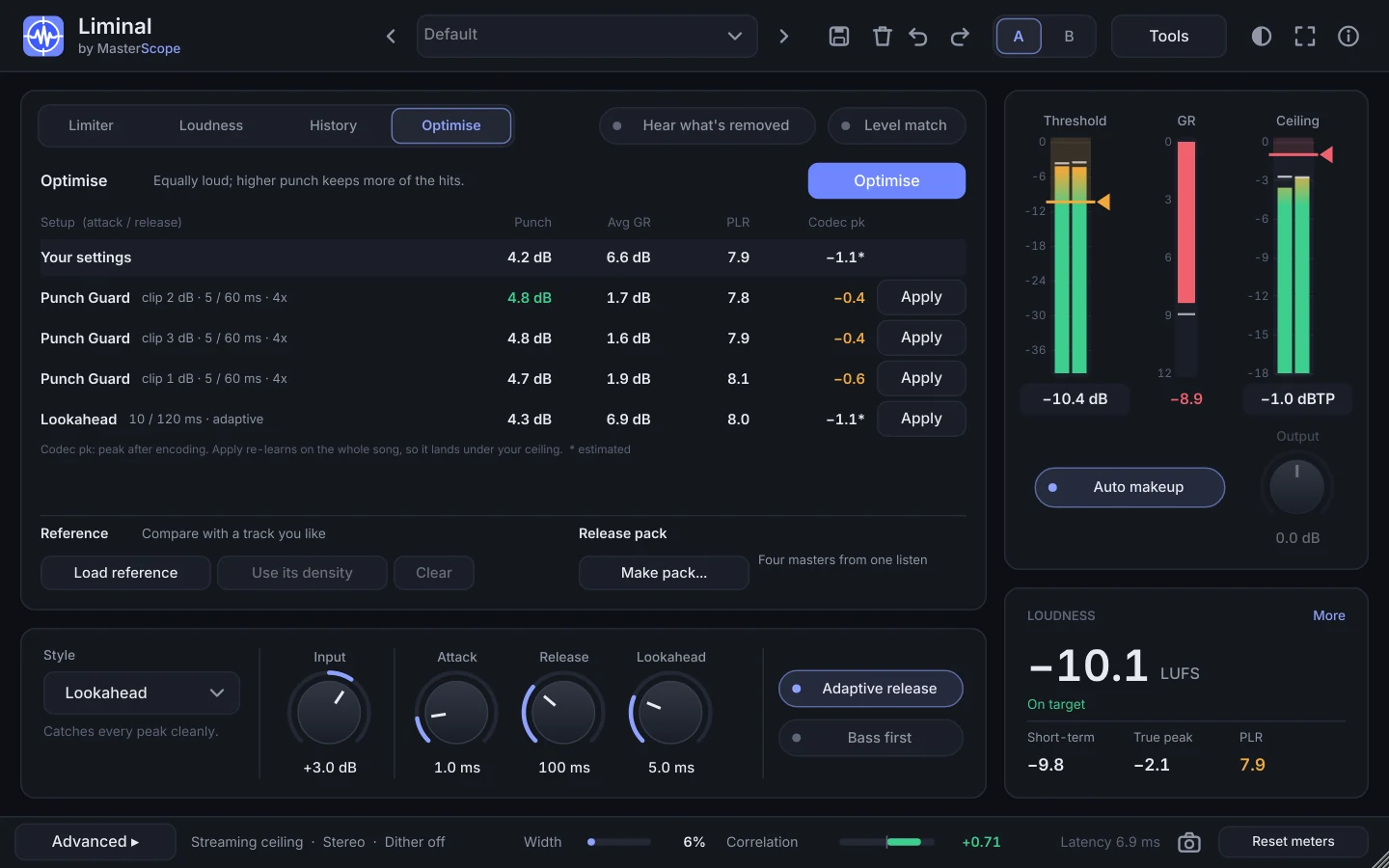
Install on Windows
- Run the installer, or copy
Liminal.vst3toC:\Program Files\Common Files\VST3. - Open your DAW and rescan plug-ins. In Ableton Live: Settings, Plug-Ins, Rescan.
- Put Liminal last on your master channel.
Install on macOS
- Open
Liminal-1.1.0-macOS.pkg. If macOS blocks it, go to System Settings → Privacy & Security, click Open Anyway, and open it again. It installs the VST3 and the Audio Unit (untick either under Customise), and optionally MasterScope Meter (beta, macOS 14.2 or later). - Open your DAW and rescan plug-ins. Logic checks Audio Units when it starts.
- Put Liminal last on your master channel.
What's new in 1.1.0
- Hardware looks: Console, Rack and Vintage, next to Dark and Light. See the themes.
- A cleaner parameter list in Ableton and other DAWs: only the settings that change the sound.
- Fixes and improvements. Every release →
In 1.0.3: the Snapshot button and a live stereo width meter.
What came in Liminal 1.0
- Codec-safe ceiling, measured with real encoders. True peak, Streaming (Opus and Vorbis) or All codecs. Learn encodes your song, measures the decoded peaks and calibrates the limiter, so a loud master doesn't overshoot after upload.
- A cleaner window: styles, a Tools panel for the helpers and an Advanced strip for set-and-forget settings.
- Codec check: listen through Opus in real time, with the real decoded peak on the meter.
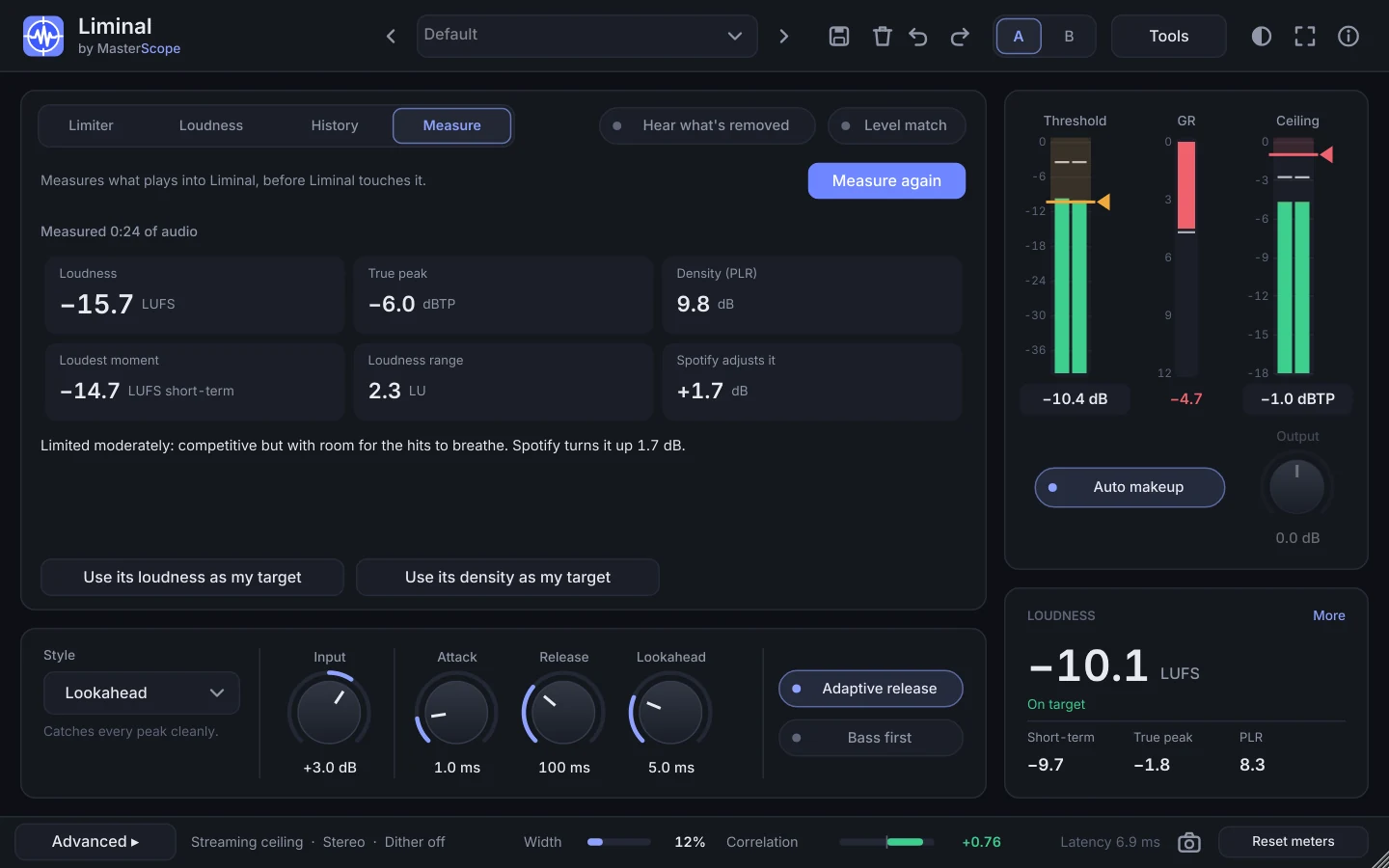
- Learn by density. Aim for a PLR instead of a loudness, or match a reference track's density in one click.
- Punch meter and Optimise. See how much the limiter takes off the hits, then let Optimise find the setup that keeps the most.
- Punch Guard mode, a lookahead limiter into an oversampled clipper.
- A detailed spectrum and a 2D and 3D spectrogram (input, output or delta, with the 16 kHz codec line and gain reduction on the same time line).
- Mix Doctor, Measure a song, reference track and release pack inside the plug-in.
- Stretch the window or go full screen. New instances remember the size.
- Factory presets built around streaming-safe ceilings and density targets, and an About box with the licences.
- A report with every Learn, and the Session log for any play-through. Open either straight in MasterScope (or save it and drop it on), which suggests what to change and gives you a preset to load back in.