How a limiter works
A mastering limiter does two jobs: it stops peaks going over a ceiling, and it lets you raise the overall level until the track is as dense as you want. Every limiter has the same core controls.
- Threshold and makeup
- Lowering the threshold makes the limiter work harder and, with makeup gain, raises the level. Liminal's Learn sets the threshold for you to land on a loudness target.
- Ceiling
- The highest level the output can reach, in dBTP. −1 is the usual choice; −2 or lower for louder masters, and lower still if the codec peak reads high.
- Attack and lookahead
- Lookahead lets the limiter see a peak coming and turn down smoothly before it arrives, instead of clipping it. Attack is how gradually it does so. Very short attack (under 1 ms) grabs the front of every drum hit and flattens the punch; around 5 to 10 ms keeps it.
- Release
- How quickly the gain recovers after a peak. Short release is denser but can distort or pump; long release is smoother but can duck the track after each hit. Adaptive release stretches it automatically on dense passages.
- Stereo link
- How much the two channels share gain reduction. 100% keeps the stereo image steady; lower lets each side be limited on its own.
- Oversampling
- Runs the limiter at a higher internal rate so it catches inter-sample peaks and reduces distortion, at the cost of CPU.
Liminal's modes
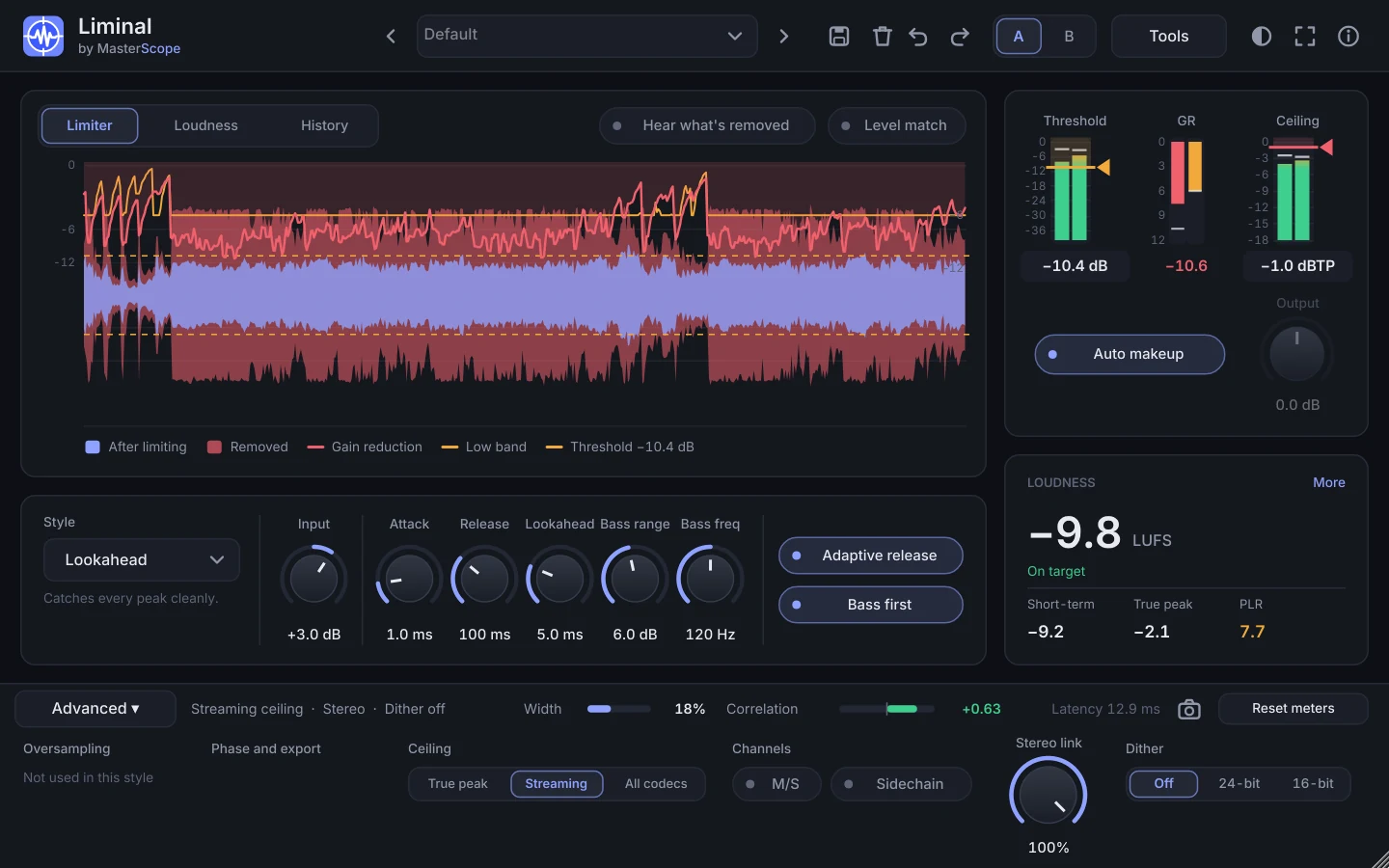
- Lookahead
- The default for mastering: smooth, transparent gain reduction with adjustable attack, release and lookahead.
- Brickwall
- Zero added latency and an absolute ceiling. Useful while tracking or for a final safety stage.
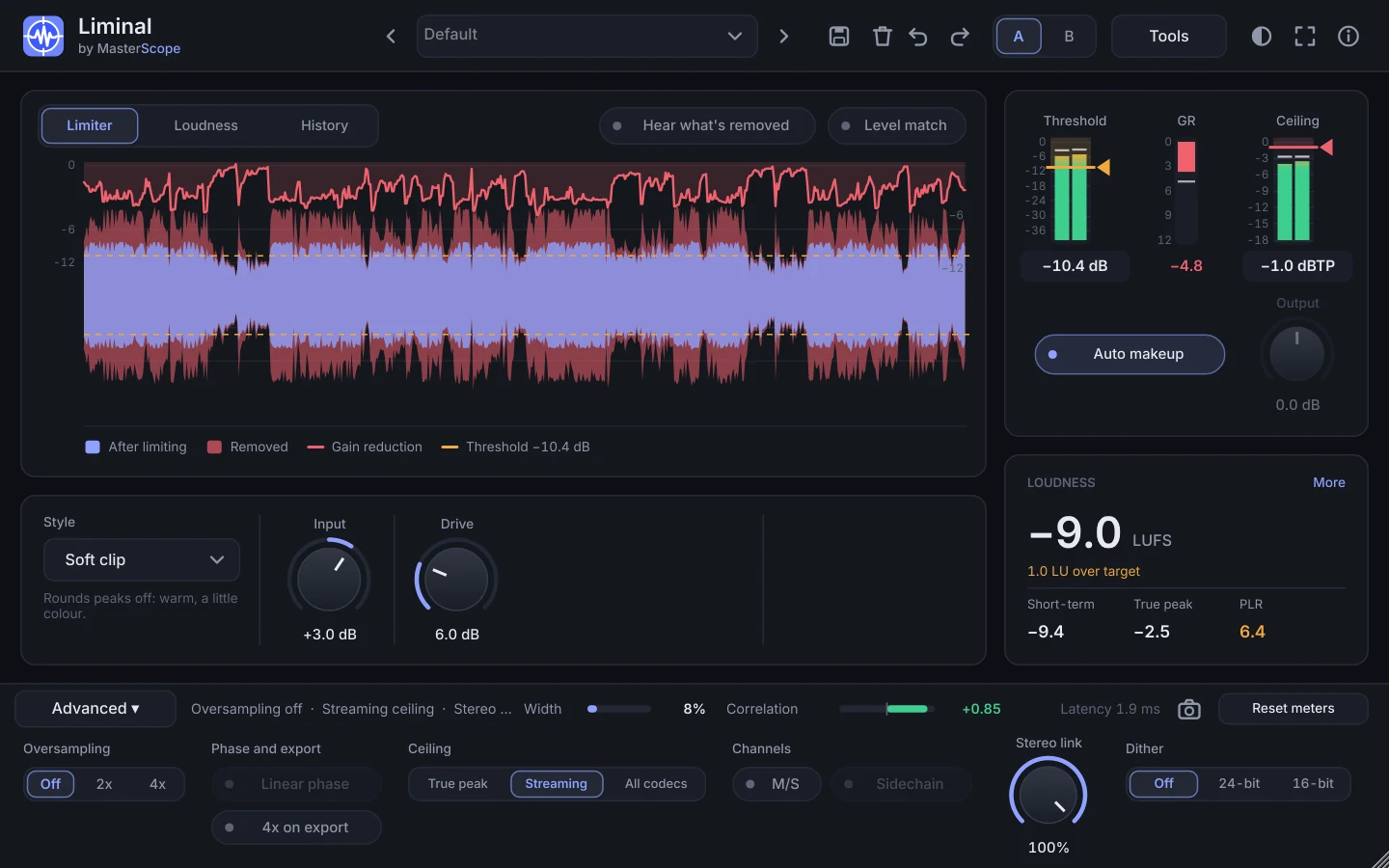
- Soft Clip
- Rounds the peaks off instead of turning the track down. It keeps the gain reduction low and the dynamics lively, but the clipped edges raise the codec peak, so it suits masters with headroom under the ceiling.
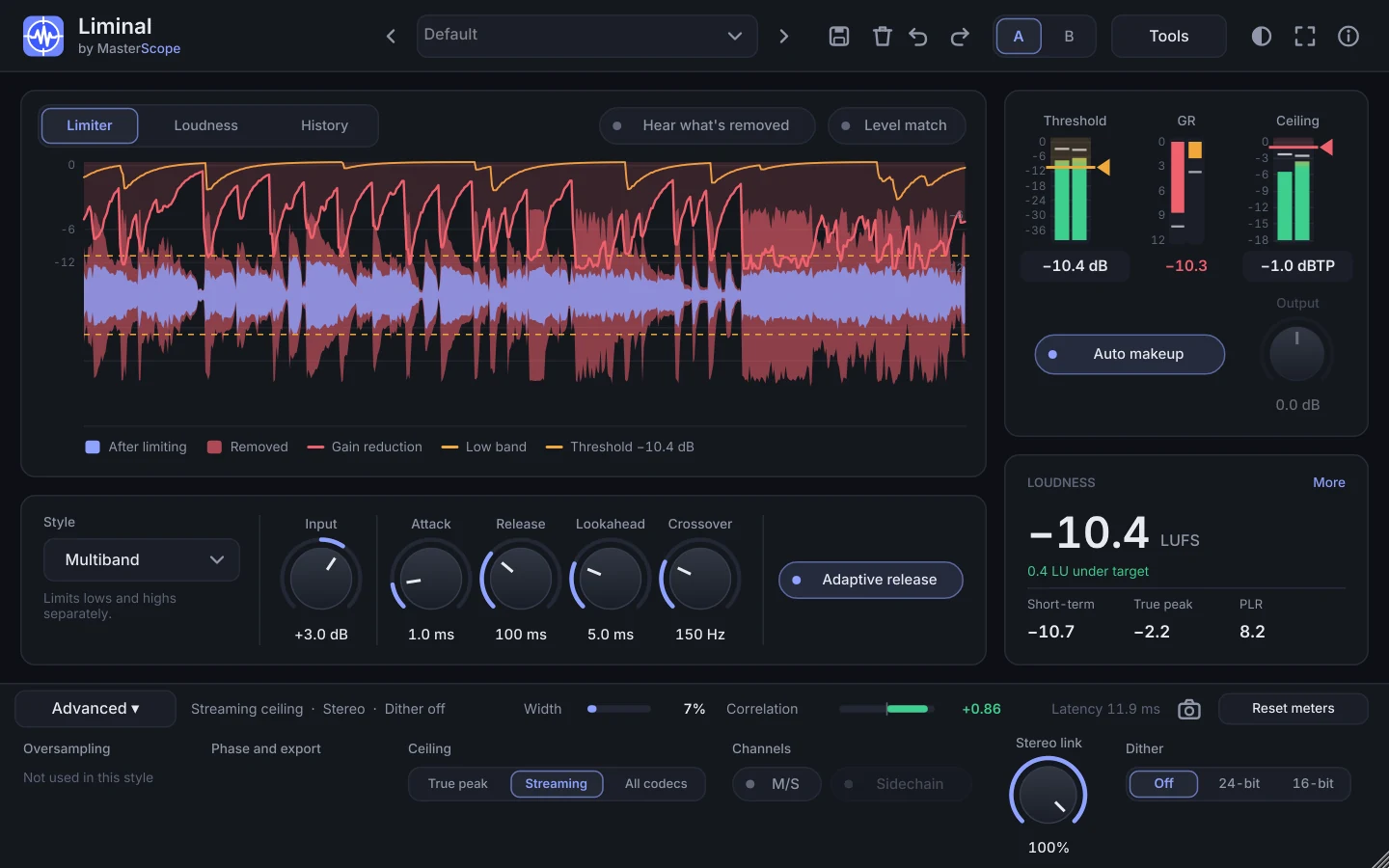
- Multiband
- Limits the lows and highs separately, so a big kick doesn't pull the vocal down with it.
- Punch Guard
- Liminal's Punch Guard mode: the lookahead limiter does the work but leaves the very tips of the peaks to an oversampled clipper. A clipper shaves a millisecond off a drum hit where a limiter turns the whole mix down around it for 50 ms or more, so at the same loudness the drums keep more snap. On test mixes, 2 to 3 dB of clip gave 1 to 1.5 dB more punch than Lookahead alone.
- Bass first
- Takes up to a set amount off the low band before the main limiter, so the kick and bass don't trigger limiting across the whole mix. Use only as much as you need: on most mixes 2 to 3 dB is plenty.
Punch, and finding the best setup
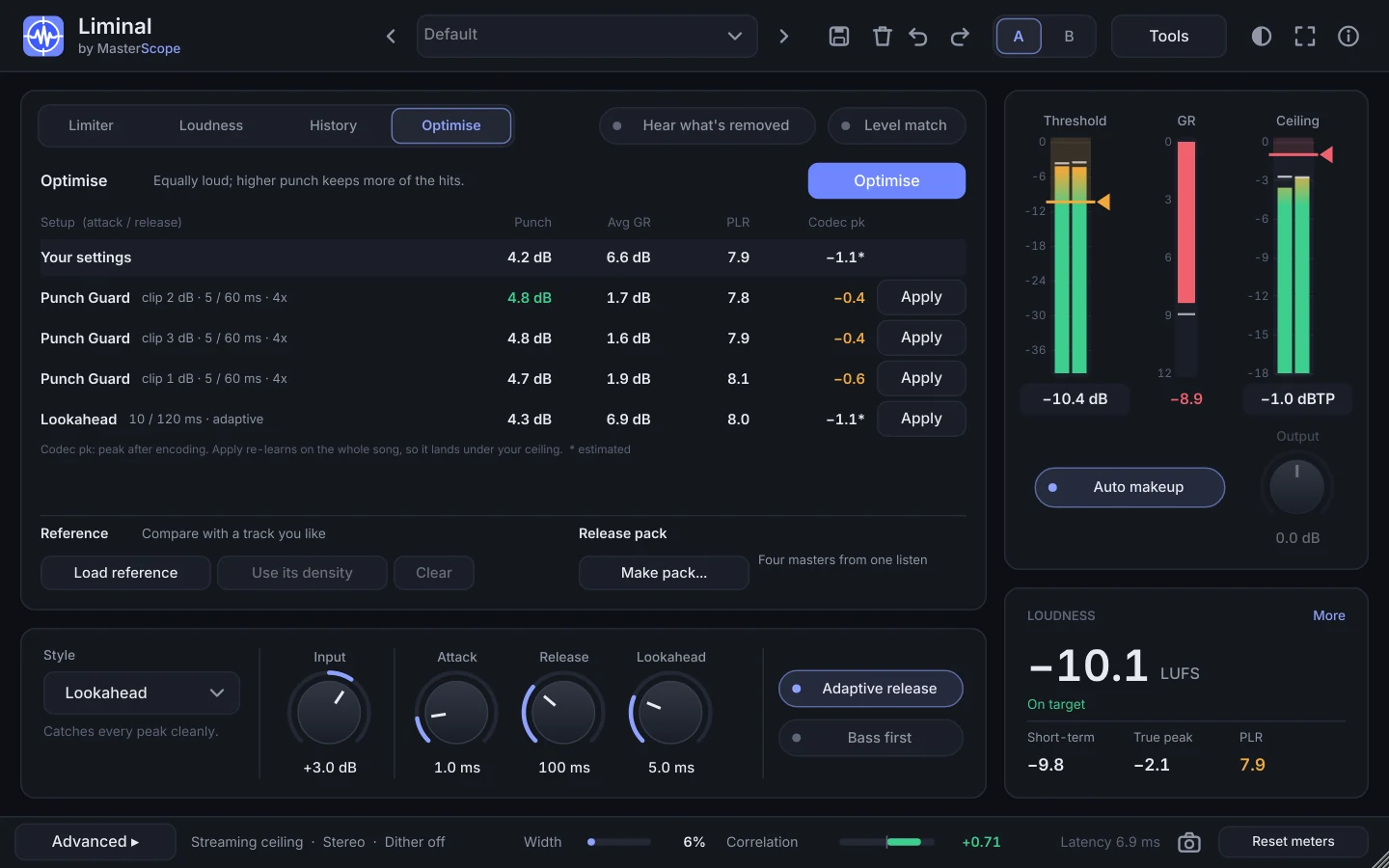
Liminal's Loudness panel shows Punch: how far the hits stand out from the music around them (the loudest 10 ms of each second against its average), with how much the limiter takes off compared with your mix. Losing under 2 dB is clean; over 4 dB and the drums lose their snap.
Rather than guess attack and release, press Optimise. It tries about 30 setups on the loudest 30 seconds Learn heard, learns every one to the same target and ceiling so they are equally loud, and ranks them by punch. Apply the one you like and Liminal re-learns it on the whole song.